How to Redesign My Backyard With AI: A Step-by-Step Guide

Garden design writer at FlorAI
Updated · 9 min read
"Redesign my backyard with AI" is usually the search you run after you have already decided the yard needs to change but have no idea where to start. Here is the short version: measure your space, shoot one clear photo, pick a garden style, generate two design options from that photo, then compare them against real plant sizes and 2026 material prices before you buy anything. The whole first pass — from photo to a design you can actually judge — takes minutes on an app like FlorAI, not weeks of sketching.
How Do I Redesign My Backyard With AI, Step by Step?
The process breaks into five stages, and skipping any of them is where most people end up with a design they cannot actually build. Do them in order:
- Measure and survey the space — rough dimensions, sun and shade, and anything permanent you have to design around.
- Shoot one usable photo from where you actually stand or sit in the yard.
- Pick a garden style that matches how you actually use the space, not just what looks good in a magazine.
- Generate at least two design options from the same photo and compare them side by side.
- Price the plants and materials the design implies before you commit to building any of it.
Each of those steps has a wrong way to do it that quietly ruins the result later, so it is worth spending a paragraph on each one.
Why Start With a Quick Measure and Survey?
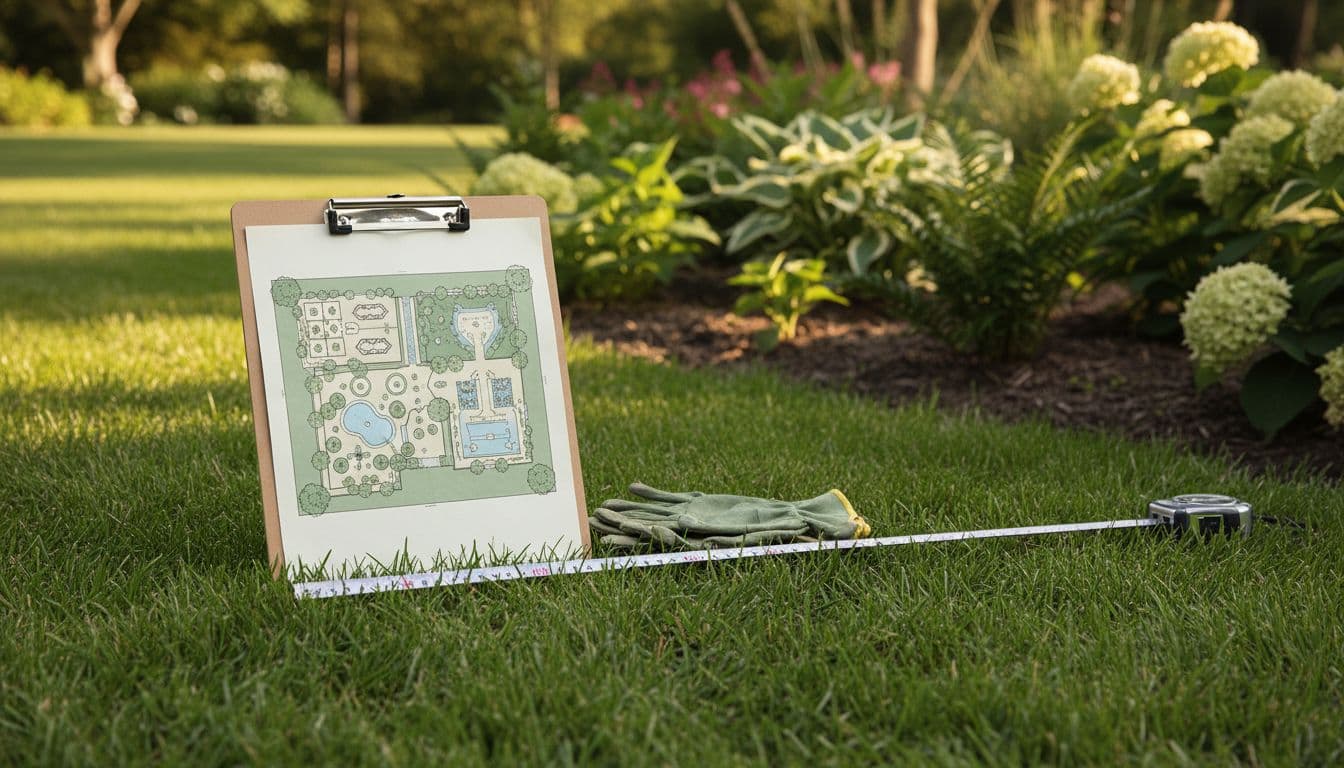
Before you touch an app, walk the yard with a tape measure or a laser measure and write down the rough width and depth of the space, plus the location of anything fixed: the property line, a shed, an air-conditioning unit, a septic field, existing trees you want to keep, and any slope. You do not need survey-grade accuracy — a design tool works from your photo, not a blueprint — but knowing your actual square footage matters later, when you are pricing sod, pavers or decking by the square foot. Spend five minutes noting which parts of the yard get full sun, part shade and full shade through the day, since that single detail determines which plants in any generated design will actually survive where they are placed.
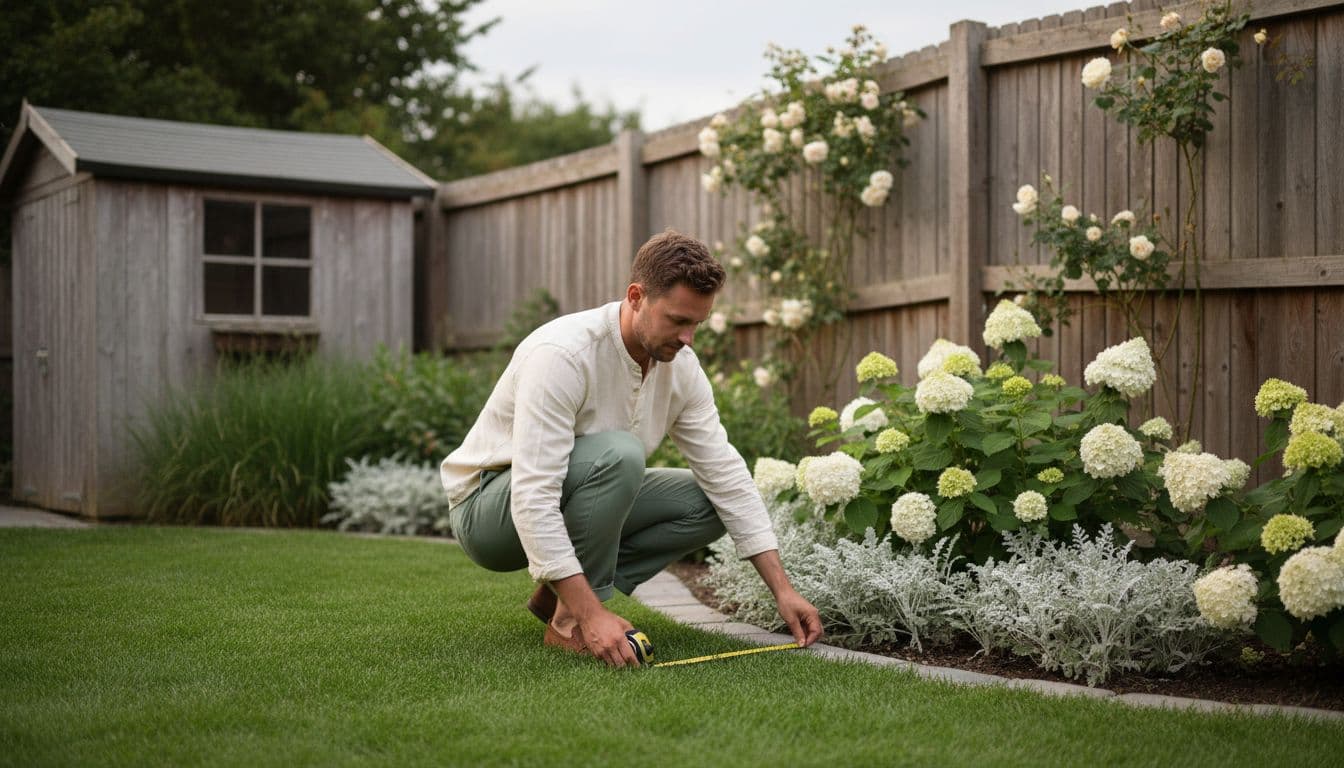
This is also the moment to be honest about constraints an AI design cannot see in a photo: buried utility lines, drainage that pools after rain, or a homeowners' association rule about fence height. None of those show up in a picture, so they are on you to factor in before you fall in love with a layout.
What Makes a Photo the AI Can Actually Use?
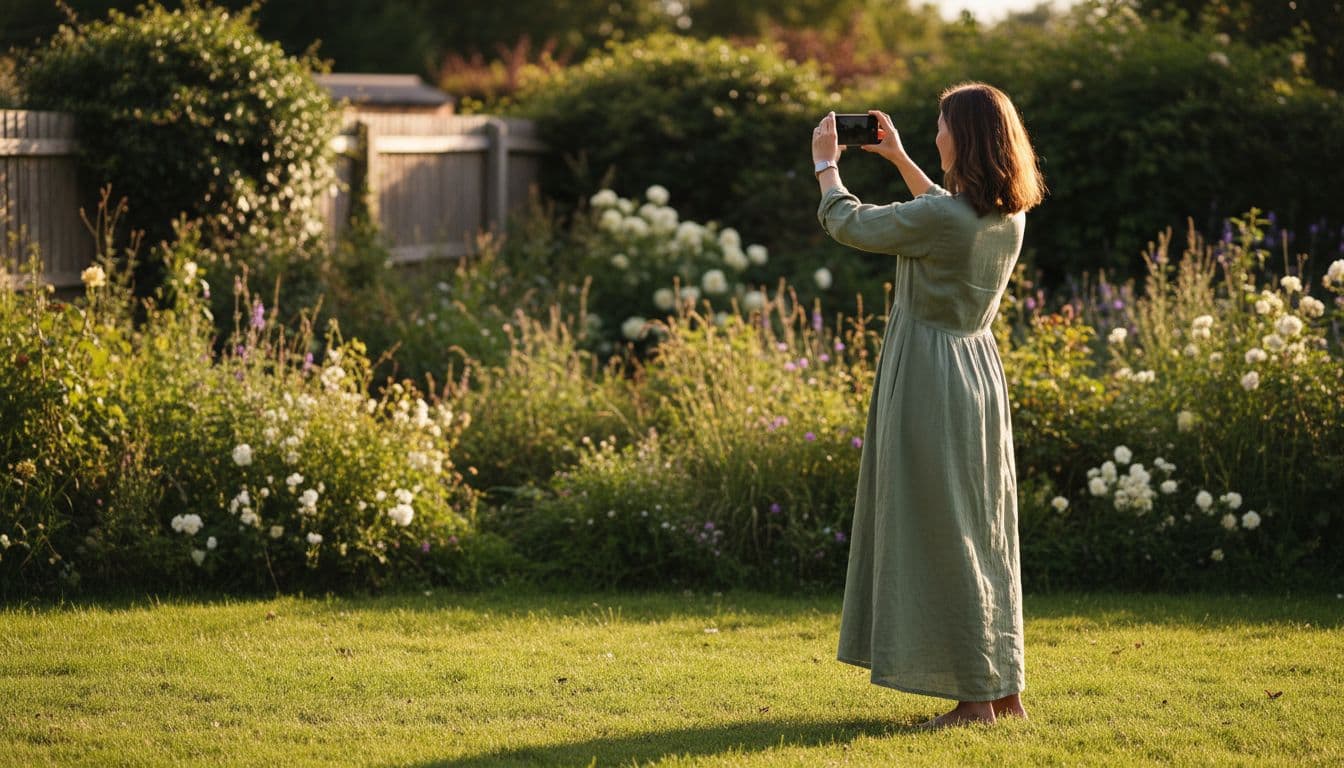
The photo is the single biggest lever you control. A structure-preserving tool reads your fences, patio edges and hardscape from that image and builds the new design around them, so a clearer photo produces a design that is genuinely usable, and a rushed one produces something that drifts from reality. A few habits make a real difference:
- Shoot in flat daylight — overcast skies or early evening — rather than harsh midday sun, so shadows do not hide steps, corners or low walls.
- Use your phone's standard lens, not the ultra-wide setting, which curves fences and paths that are actually straight at the edges of the frame.
- Back up until the whole boundary is in frame — both fence lines or hedge rows — rather than centering on the prettiest corner.
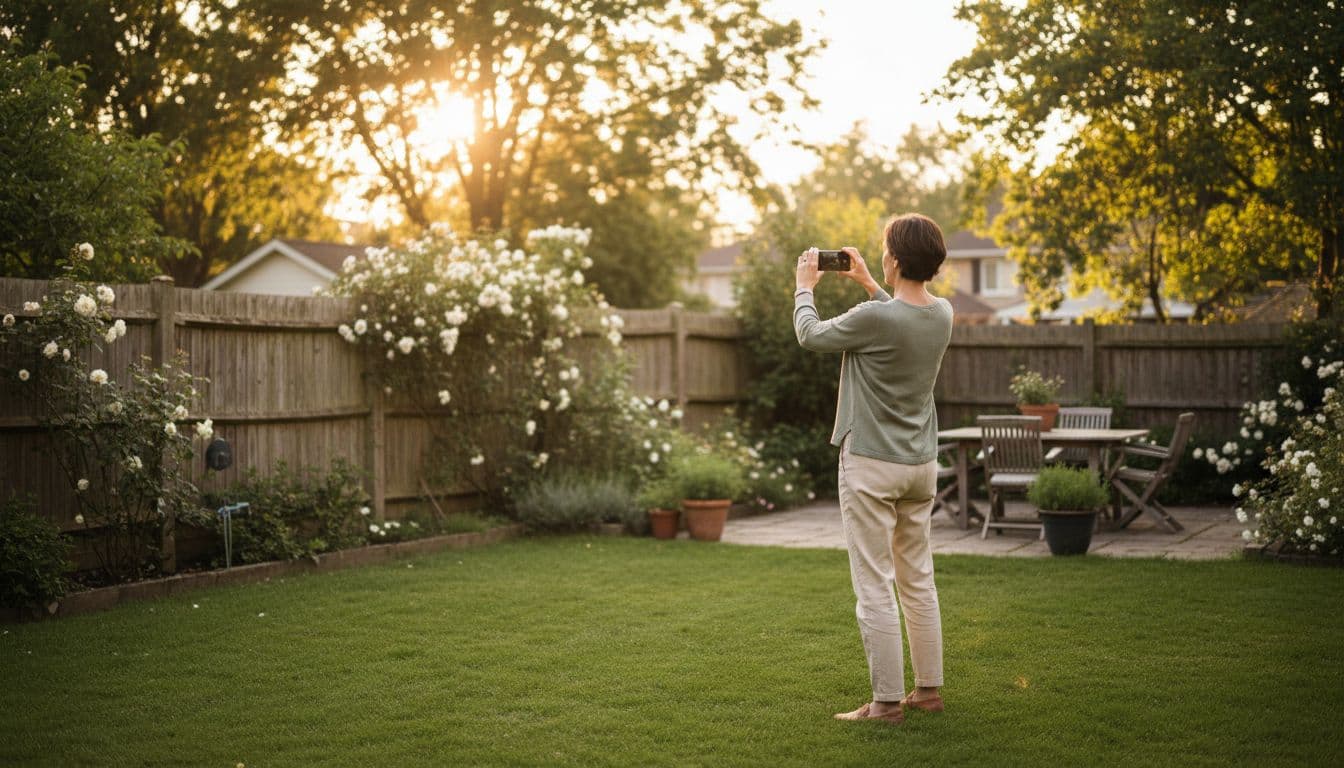
- Shoot from where you actually stand or sit, not from a ladder or a low crouch, so the design reflects how you experience the space.
- Include some ground in the foreground. Cropping it out removes the depth cues the AI uses to judge scale.
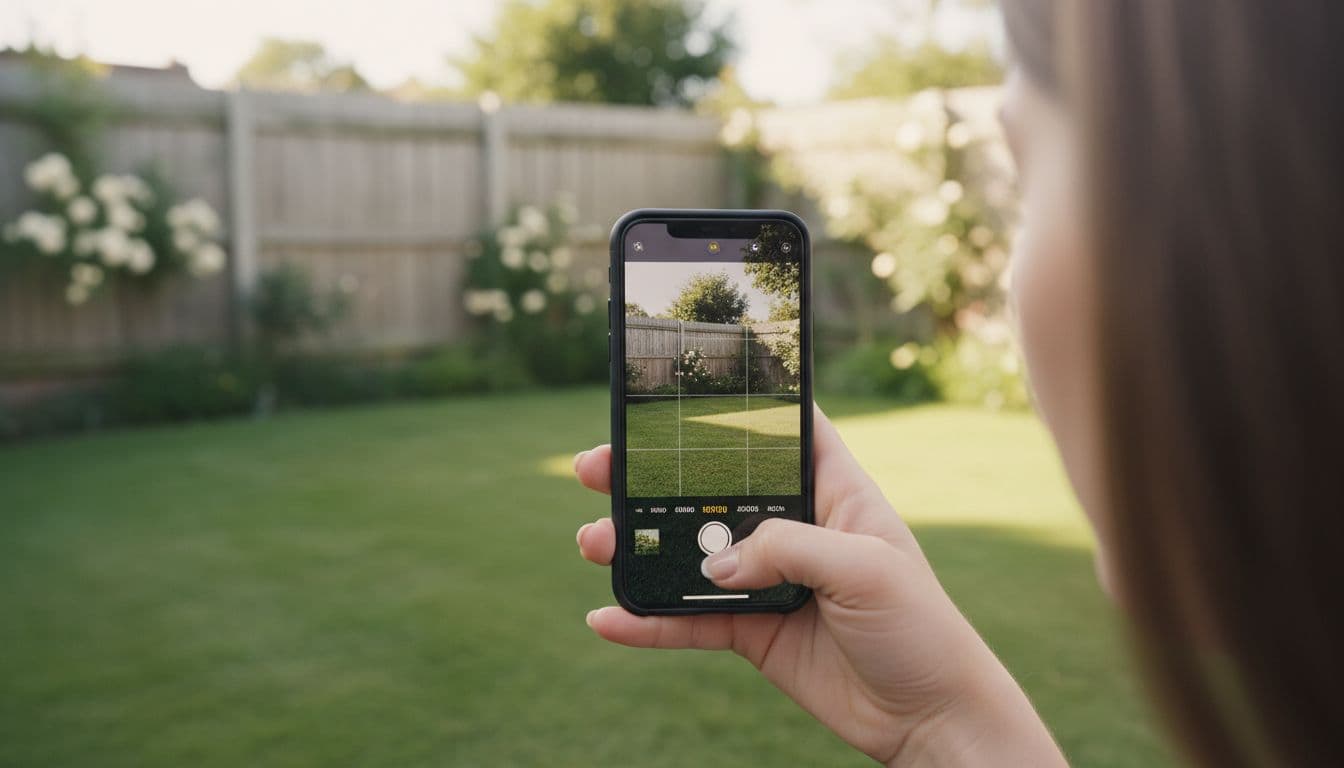
FlorAI's AI Garden Design features are built around this structure-preserving approach specifically, so the layout, walls and fences in your photo stay recognizable in the result — the AI changes the planting, paths, furniture and lighting, not the bones of your actual yard.
Which Garden Style Fits How You Actually Live?
It is tempting to pick a style because it photographs well, but the better question is how you actually use a backyard on a normal Tuesday. A family that eats outside most nights needs a real dining zone and shade before it needs a striking plant palette. A household that barely goes outside needs low upkeep more than variety. FlorAI's Garden Style Library covers modern, cottage, Japanese, Mediterranean, tropical and low-maintenance styles, and running the same photo through two or three of them is a fast way to see which one actually fits your habits rather than just your taste.
A modern style tends to lean on repeated hardscape lines, restrained planting and evergreen structure — good if you want a yard that still looks intentional in winter. A cottage style leans on dense, layered planting and self-seeders, which looks fuller faster but asks for more seasonal maintenance. Neither is objectively better; the point of generating a few options is finding out which trade-off you are actually willing to live with.
Why Generate Two Designs and Compare Them?
Never judge a single AI-generated design in isolation. Generate at least two styles from the same photo, then use a proper before-and-after view rather than admiring the new image on its own. FlorAI's before-and-after comparison places your original photo and the new design side by side, which makes it much easier to catch whether your real fence line, patio edge or tree canopy actually held its position and proportions, or whether the AI drifted from what is really there.
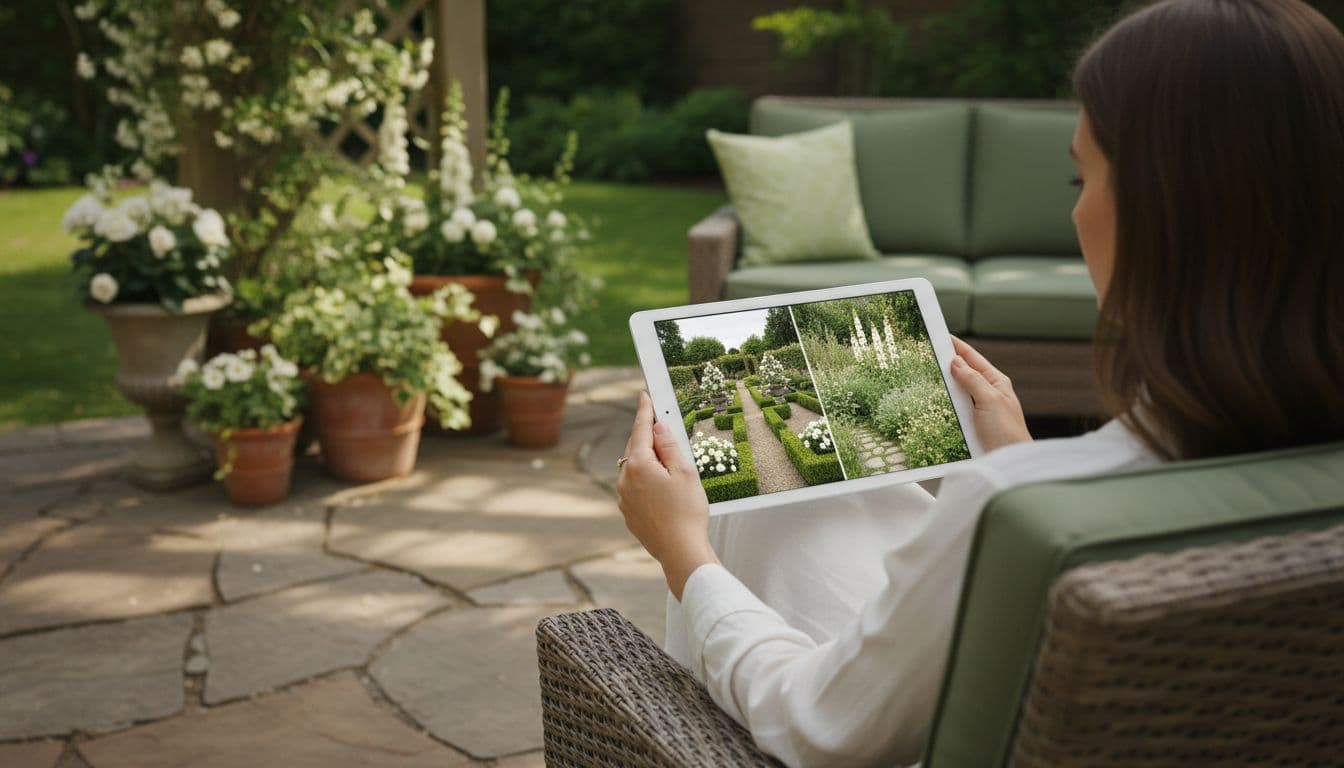
While you compare, check scale against something fixed and known — a door, a window, a fence panel — rather than trusting how large a new tree or hedge looks on its own. If a design moved a wall, narrowed a path or dropped a step you know is there, the source photo probably lacked a clear structural cue in that spot; a straighter, better-lit reshoot usually fixes it on the next attempt. If you generated the design entirely from a photo, see how AI garden design from a photo actually works for more on what the AI keeps and what it is free to change.
What Do the Plants and Materials Actually Cost?
A finished AI design is a concept, not a quote, so the next job is turning it into real numbers. Hardscape is usually the biggest line item. In the US in 2026, installed paver patios typically run about $20 to $35 per square foot, with premium natural stone reaching $50 per square foot in some regions, while a plain lawn re-sodded with fresh turf runs roughly $1.00 to $2.60 per square foot installed, averaging around $1.65. Composite decking sits at the top end, typically $40 to $80 per square foot installed once the substructure is included. None of these figures are exact for your project — labor rates vary heavily by region — but they are close enough to sanity-check whether a generated design is realistic for your budget before you request quotes.
| Material | Typical installed cost (US, 2026) |
|---|---|
| Sod / turf | $1.00–$2.60 per sq ft (avg ~$1.65) |
| Paver patio | $20–$35 per sq ft (premium stone up to $50) |
| Composite decking | $40–$80 per sq ft, substructure included |
| Mulch, ornamental beds | 2–3 inches deep is the standard depth |
Planting is the other half of the budget, and this is where checking a plant's real mature size and hardiness zone against the design matters most. A design might show a single flowering shrub as an anchor near the patio — Hydrangea paniculata 'Limelight', for example, reaches roughly 2 to 2.5 metres (6–8 feet) at maturity and suits USDA zones 3 through 8, so it needs real breathing room from a fence or wall, not the tight spacing it might appear to have in a render. A grass like switchgrass (Panicum virgatum), commonly grown as a structural border plant, typically reaches 3 to 5 feet with flower stems extending higher, and is hardy across USDA zones 3 to 9. A clipped hedge such as common boxwood (Buxus sempervirens) only grows about 4–6 inches a year and can take a decade or more to fill in, so if a generated design shows a mature-looking hedge, budget for buying larger starting stock or waiting several seasons for it to close.
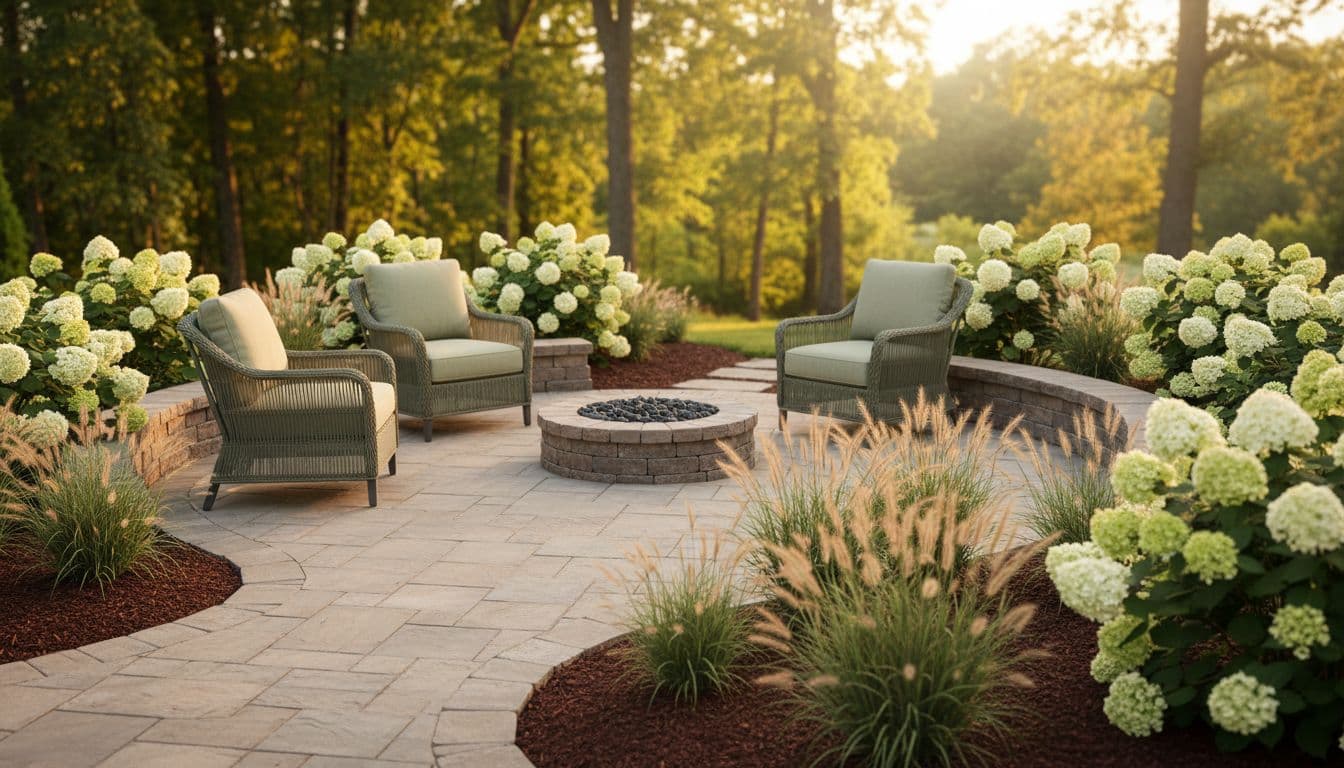
Mulch is a small but easy line item to get wrong: ornamental beds generally want 2 to 3 inches of mulch, kept clear of plant stems to avoid rot, per Iowa State University Extension guidance. Order by cubic yard once you have the square footage from your earlier survey, not by guesswork on the day.
Redesign your own backyard with AI
Upload one photo of your yard and get a free AI garden design from FlorAI in seconds, on iPhone, Android or the web.


Version 1.1.1 · 132 MB
Common Mistakes When You Redesign a Backyard With AI
A handful of avoidable habits explain most disappointing results, and none of them require better software to fix:
- Judging one image instead of comparing two. A single generated design tells you almost nothing about which changes are structural and which are just style choices — always generate a second style from the same photo.
- Skipping the survey step. A design that looks great in the render can be unbuildable if it ignores a slope, a utility line or a property boundary you never checked.
- Trusting plant scale on sight. A young shrub and a five-year-old one can look similar in a single still image; look up the real mature size before you plant three where the design shows one.
- Pricing nothing before falling in love with a layout. A design with a full composite deck and a natural-stone patio can be five times the cost of one using sod and mulch — price the materials before you get attached.
- Ignoring your hardiness zone. Confirm every suggested plant suits your zone on the USDA Plant Hardiness Zone Map, updated in 2023 with data from more than 13,000 weather stations, before you buy anything a design suggests.
Frequently Asked Questions
How do I redesign my backyard with AI for free?
FlorAI is free to download on iPhone, Android and the web, and generates your first AI garden design from a photo of your own backyard without paying anything. Upload a clear photo, pick a style, and compare the result against the original in the before-and-after view.
How long does it take to redesign a backyard with AI?
Generating a design from one photo typically takes about 8 to 12 seconds once you pick a style, which is short enough to try two or three styles back to back before deciding. Turning that design into a built backyard takes considerably longer, depending on the scope of hardscape and planting involved.
Will an AI backyard redesign actually match my real yard?
A structure-preserving tool like FlorAI keeps the position of your fences, walls and existing hardscape from the photo and only changes the planting, paths, furniture and lighting, so the shape of your real yard stays recognizable in the result. A tool that pastes a generic garden over any photo will not.
Do I need to check plant sizes before buying what an AI design shows?
Always check them. Look up each suggested plant's mature size and confirm it suits your USDA hardiness zone before buying, since a still image cannot show you how large a shrub, tree or hedge will actually get in five or ten years.
Is redesigning a backyard with AI cheaper than hiring a landscape designer?
Generating design ideas with an AI app is free or low-cost and much faster than commissioning drawings from a professional. The actual build cost is the same either way, since it depends on the materials and labor you choose, not on how the design was created. Many people use an AI app to settle on a direction first, then bring the result to a landscape designer or contractor for anything structural.
The Bottom Line
To redesign your backyard with AI in a way that actually holds up, treat the AI-generated image as a well-informed starting point, not a finished plan. Measure the space, shoot a clear photo, generate at least two styles, compare them honestly against your real fences and boundaries, then check every plant's mature size and hardiness zone and every material's real 2026 price before you commit a dollar. Do that, and a design generated in seconds becomes something you can genuinely build, not just admire.
For more on getting a usable result from a single photo, see how AI garden design from a photo actually works. If your project is large enough to need grading, drainage or structural work, read AI garden design vs hiring a landscape designer, or run any app you are considering through the AI garden design apps compared checklist first.
Sources
- Hydrangea paniculata 'Limelight' | panicled hydrangea 'Limelight' — Royal Horticultural Society
- Using Mulch in the Garden — Iowa State University Extension and Outreach,
- USDA Plant Hardiness Zone Map — USDA Agricultural Research Service,
Read next