AI Garden Design Apps Compared: The 2026 Checklist for Choosing One

Garden design writer at FlorAI
Updated · Published · 10 min read
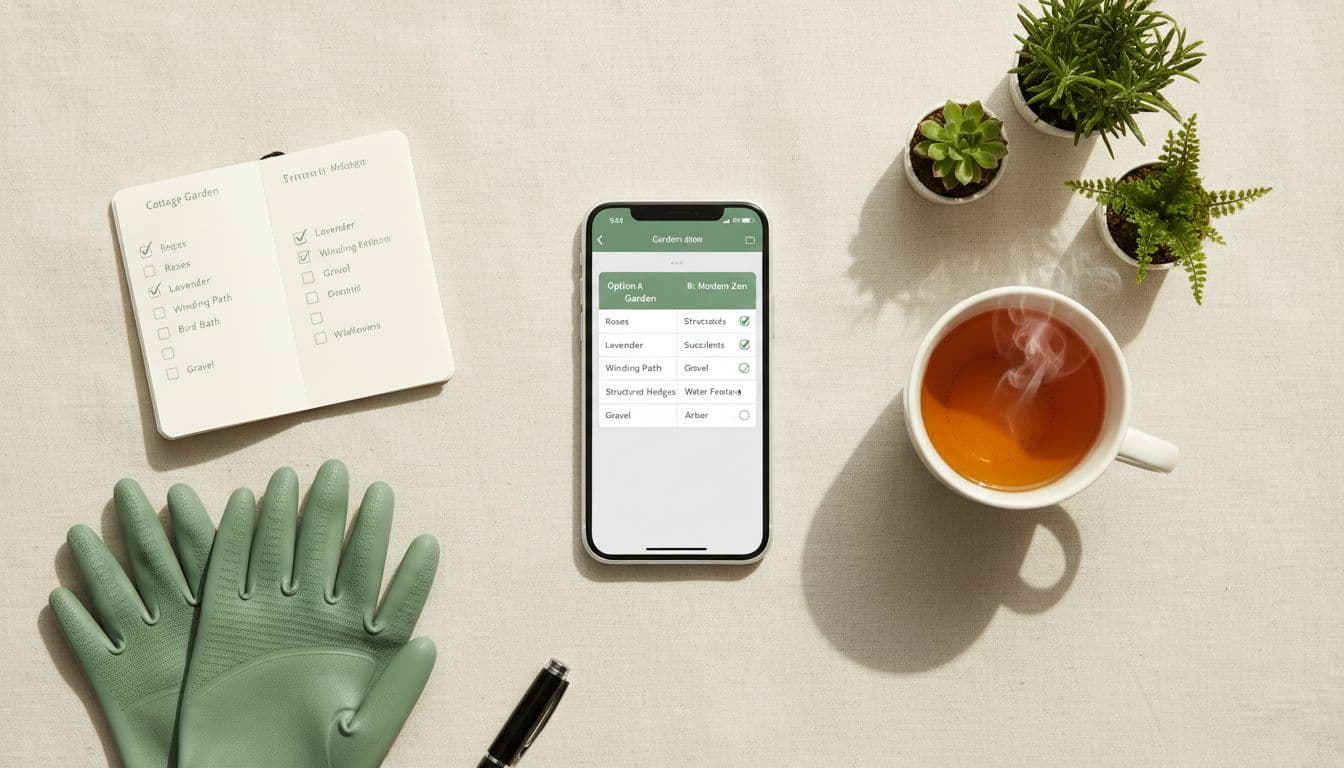
AI garden design apps compared on their marketing pages all look identical; compared on your own photo, they do not. Six things decide whether a tool is useful: does it rebuild your actual garden or invent a new one, can it produce genuinely different styles from that one photo, are the plants and materials real enough to buy, does it help after the render, does it work on the devices you use at a price you can test first, and does it say what happens to your uploaded photos. The checklist below lets you score any tool on all six in about twenty minutes, using nothing but your phone and one photo.
AI Garden Design Apps Compared: What Actually Separates Them?
Strip away the branding and every AI garden design tool falls into one of a few capability categories. Some are photo-based: they take the image you upload and rebuild it, so the fence line, the patio slab, the neighbour's roofline and the mature tree you cannot remove all survive into the result. Others are template-based: they read your text prompt, generate an attractive garden from scratch, and quietly discard the photo. Both produce beautiful pictures. Only the first produces a picture you can act on. A second split matters almost as much — whether the tool stops at the render, or carries on into plant identification, plant health and climate suitability once you are standing in a garden centre holding a pot.
That gives five practical axes to score any tool on, plus one about your privacy. The table below is the version worth writing down before you start testing, because once you are looking at a polished render it is surprisingly easy to forget what you were checking for. It is deliberately about capability rather than brand — the same six questions work on anything you evaluate.
| What to test | Weak result | Strong result |
|---|---|---|
| Real-photo fidelity | The "after" image shows a garden that is not yours — different boundary, invented level change, missing tree. | Your fence line, patio outline, house wall and mature planting are all still recognisable. |
| Style range | One or two looks that are really colour filters over the same layout. | Six to ten genuinely distinct directions — modern, cottage, Japanese, Mediterranean, tropical, minimalist, desert, low-maintenance — from a single upload. |
| Buyable specifics | Dreamlike surfaces and plants that exist in no nursery catalogue. | Stone, timber, gravel, planters and species you can search for, price and check for hardiness. |
| Life after the render | The design is where the product ends. | Plant identification, plant health and climate checks live in the same place as the design. |
| A free way to test | No way to run your own photo through it before paying. | A free first design on the device you actually use, saved to one account. |
| Photo handling | No clear statement about what happens to uploaded images of your home. | A plain-language privacy policy covering what photos are used for and whether they are shared. |
Does the App Redesign Your Real Photo?
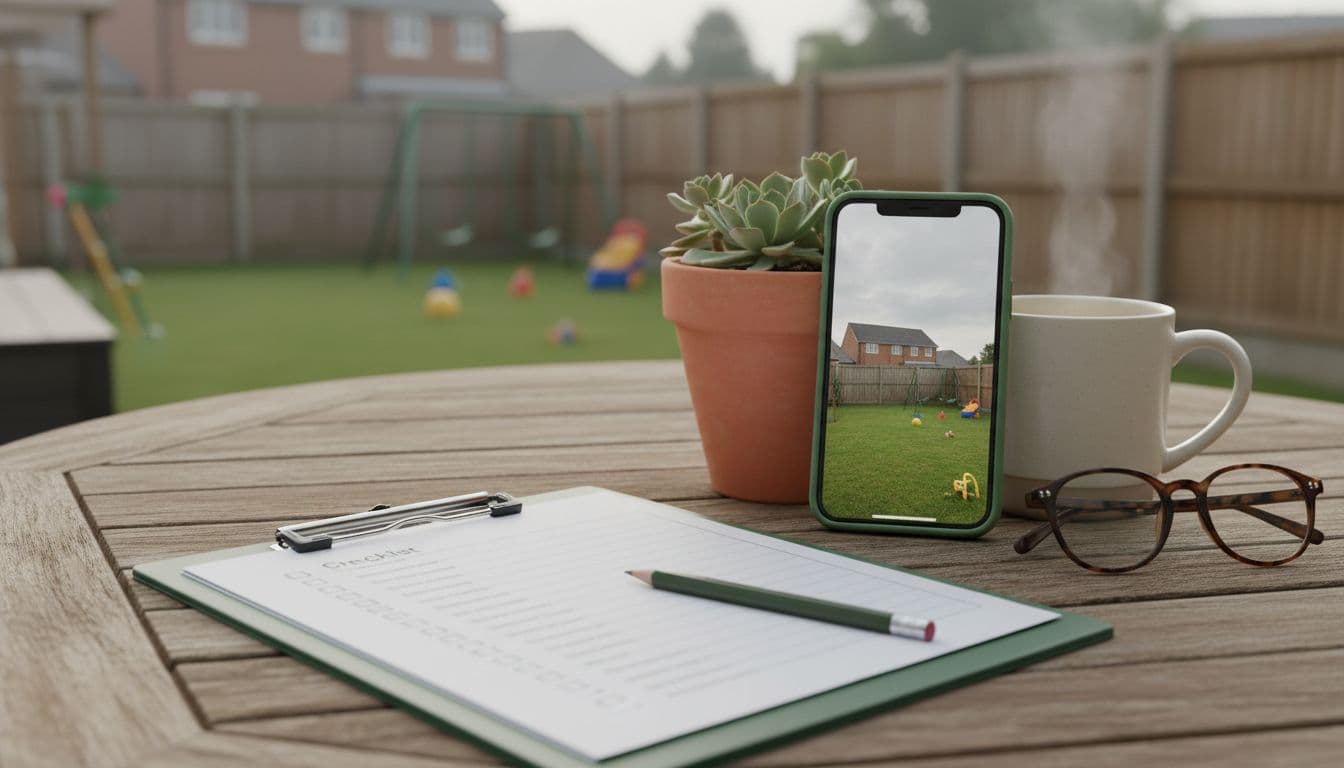
This is the test that decides everything else. A design you cannot build is a mood board, and a mood board does not need to know that your patio is 4 m wide or that there is a manhole cover in the middle of the lawn. The way to check is not to read the feature list but to upload one deliberately awkward photo — a garden with a shed in shot, an odd boundary angle, a bin store, an overhanging neighbour's tree — and see what survives. Marketing galleries are curated from the easiest possible inputs, so an ordinary garden with an ordinary fence is the honest benchmark.
- Count the fixed objects in your before photo — fence panels, downpipes, steps, manhole covers, mature trees — then count how many are still in the after image.
- Check the vanishing point. If the camera position appears to have moved, the tool generated a new scene rather than redesigning yours.
- Look at the boundary height. A 1.8 m (6 ft) fence that becomes a low hedge means the design quietly deleted a constraint you actually have.
- Watch for level changes that were never there. Invented steps and retaining walls are the most common giveaway of a template-driven result.
- Run the same photo twice with the same style. Wildly different geometry between the two attempts means the tool is not anchored to your space at all.
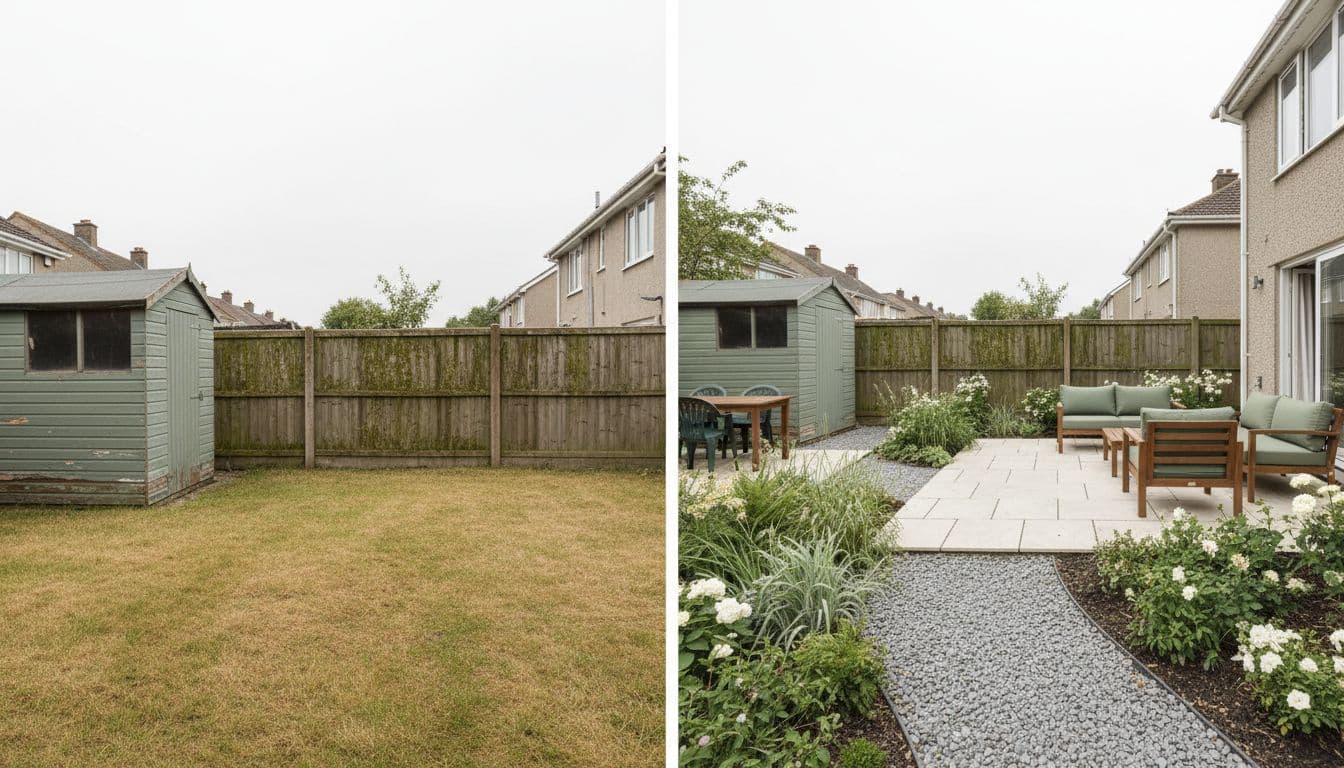
FlorAI takes the photo-based route deliberately: every design starts from the image you upload and is presented as a side-by-side before and after, so you judge the change against the original rather than against an idealised render. For the mechanics of that process — camera angles, light, what to include in frame — AI garden design from a photo walks through it step by step.
How Many Garden Styles Are Enough?
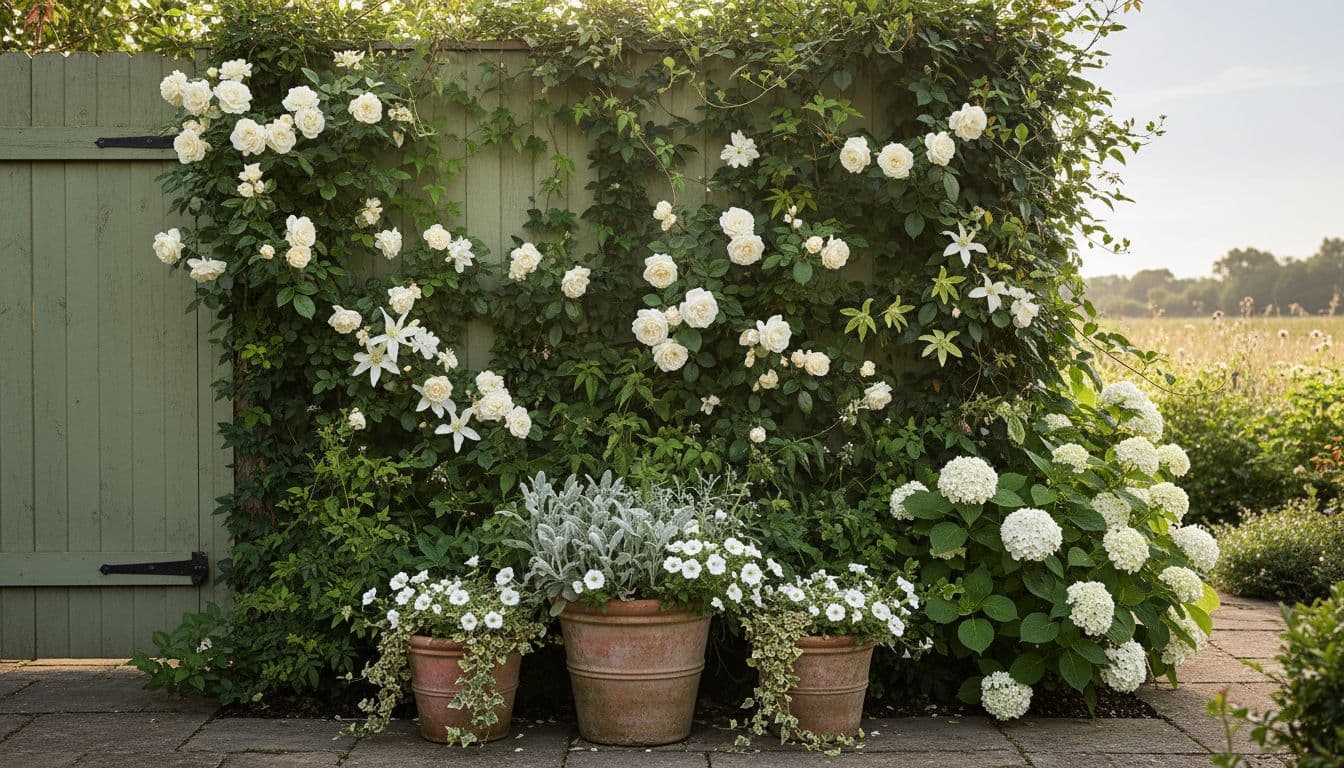
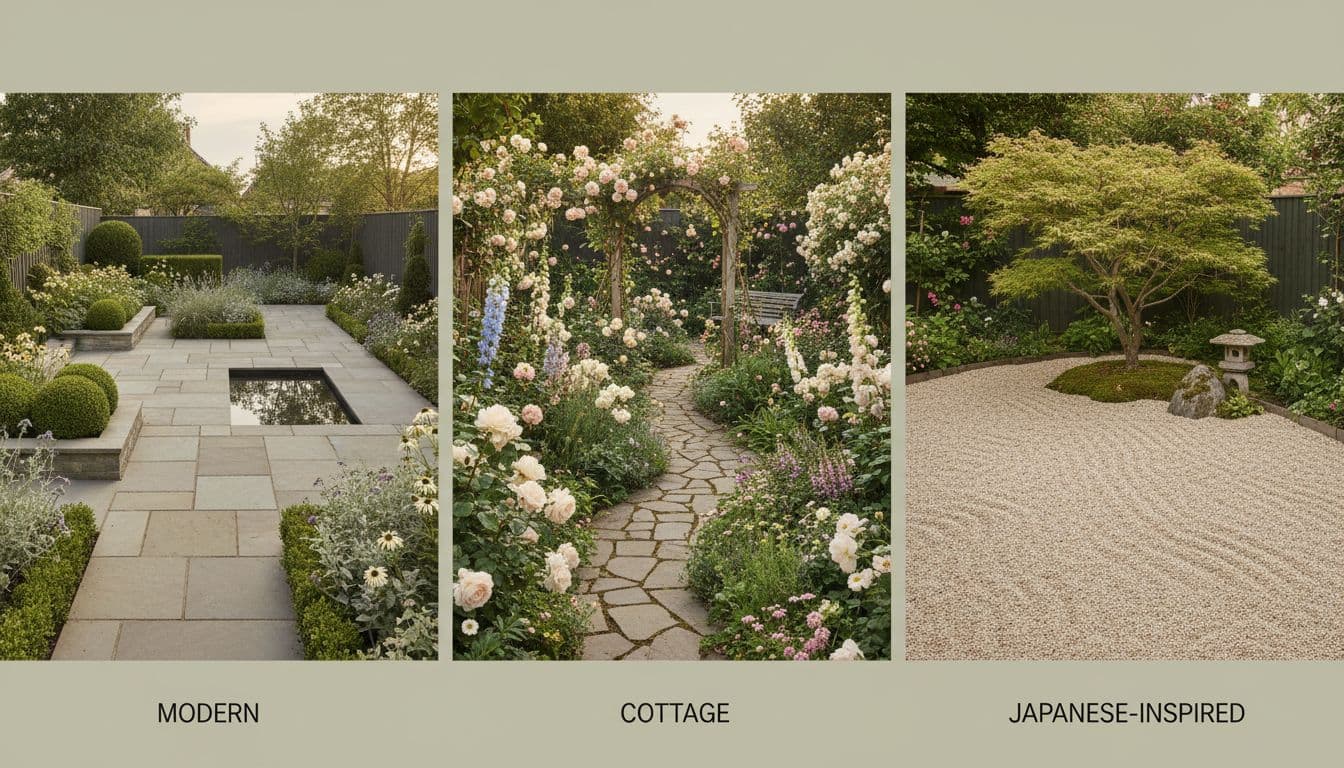
Style range is easy to advertise and easy to test. The question is not how many style names appear in the menu but how differently the same garden is treated when you switch between them. A genuine style change alters layout logic, not just palette: a Japanese scheme should shift towards restraint, gravel, evergreen structure and negative space; a cottage scheme should get denser, softer and more layered; a Mediterranean one should move towards drought-tolerant planting, gravel mulch and hard shade. If paving pattern, planting positions and furniture stay identical while only the colours change, you are looking at a filter, not a style.
Six to ten distinct directions is a reasonable baseline, covering traditional looks and modern low-maintenance ones, because most people do not know which style they want until they see their own garden rendered in three of them. FlorAI's Garden Style Library is built for exactly that comparison — the same photo, several very different directions, judged side by side before anything gets bought.
Are the Plants and Materials in the Design Real?
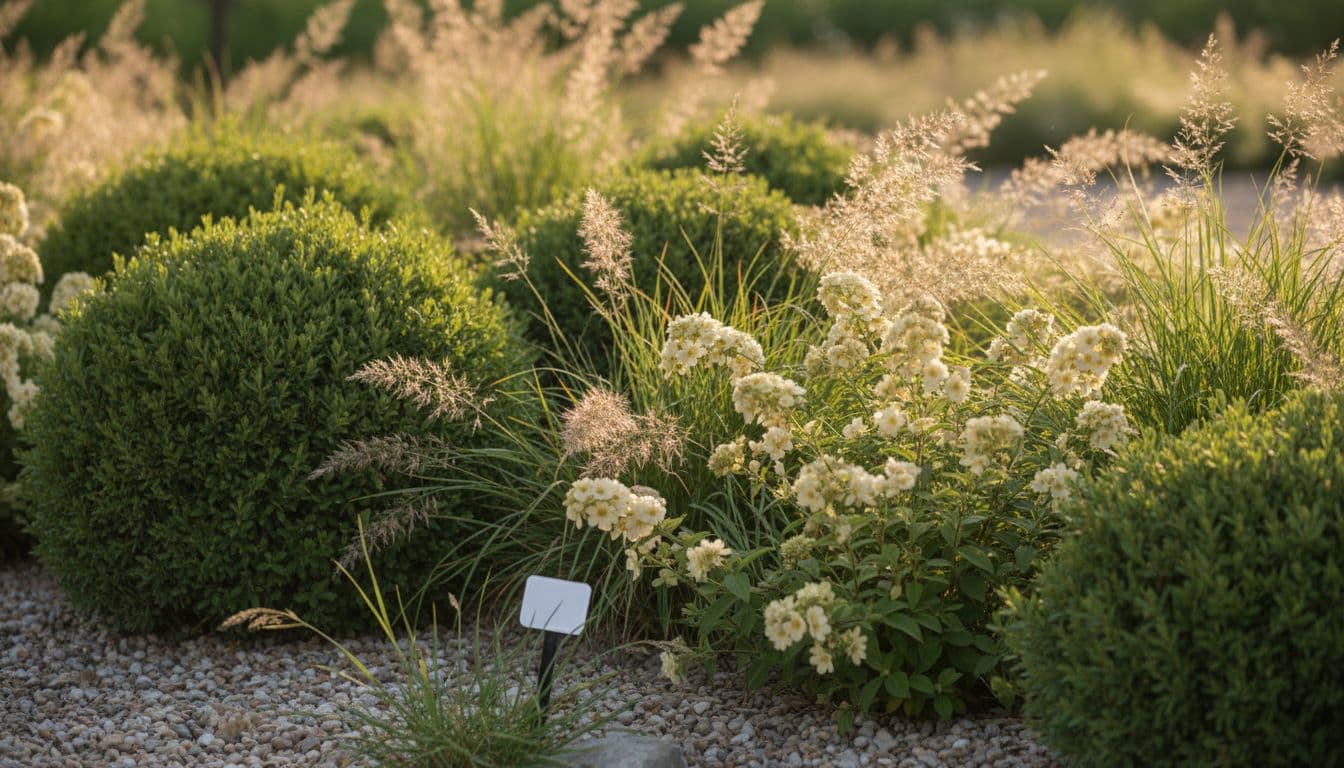
A render that proposes plants which cannot survive your winter is worse than no plant list at all, because it sends you to the garden centre with confidence. Two neutral reference systems make this checkable in minutes. In the UK, the RHS hardiness rating sorts plants into nine categories from H1a to H7 based on the lowest temperature a plant is likely to withstand: H4 covers hardiness through most of the UK in an average winter, while H7 plants tolerate temperatures below −20°C. In the US, the USDA Plant Hardiness Zone Map divides the country into 10°F zones, each split into 5°F half zones, and the current version was released in November 2023 using 1991–2020 weather data. Checking three or four species from any AI suggestion against one of those two systems catches the worst mistakes before you have spent anything.
Soil is the second reality check. The RHS guide to soil types separates clay, sandy, silt, loam, peat and chalky soils by particle size — clay particles are under 0.002 mm, silt runs 0.002–0.05 mm and sand 0.05–2 mm — and notes that a slightly acidic pH of around 6.5 is the best general-purpose target for a garden. Aspect matters just as much: south- and west-facing sides of a garden are usually warm and sunny, while east- and north-facing sides are colder and shadier, which is why an identical border plan can thrive on one side of a fence and sulk on the other. No image generator knows any of this about your particular plot, so treat the planting in any render as a brief to verify, not a shopping list to obey.
- Pick three plants from the design and look up their mature height and spread, not the size of the pot they arrive in.
- Check each one against your RHS hardiness rating or USDA zone before it goes anywhere near a trolley.
- Match the planting to your aspect — a scheme drawn for a sunny south-facing wall will struggle on a north-facing one.
- Confirm the surfaces are real materials you can price by the square metre: sawn stone, porcelain, gravel, timber decking, brick.
- Reject anything you cannot name. If you cannot search for it, you cannot buy it, and the design has not actually helped you.
What Happens After the Design Is Generated?
Design is the beginning of a garden project, not the end. The moment planting starts you need to know what is already growing, whether the shrub with yellowing leaves is thirsty or drowning, and what to do about it. A tool that ends at the render hands you back to other apps at exactly the point the work becomes real. FlorAI keeps AI Plant Scan and AI Plant Health alongside the design, so identification and care advice sit in the same place as the layout you generated.
There is an honest limit worth naming. No photo-based design tool engineers structural work: grading, drainage runs, retaining walls and anything needing a permit are a professional's job, and a render will happily draw a retaining wall it has no idea how to build. The useful framing is that AI design gets you to a clear brief quickly and cheaply, and a professional takes that brief to something buildable. AI garden design vs hiring a landscape designer sets out where that line usually falls.
Run the checklist on your own garden
Upload one photo and generate a free AI garden design with FlorAI, then score it against the six criteria above — on iPhone, iPad, Android or the web.


Version 1.1.1 · 132 MB
Which Devices, Prices and Privacy Terms Should You Check?
Device support sounds trivial until you are standing in the garden with a phone and then want to study the result properly on a laptop that evening. Check that designs are saved to an account rather than to a single handset, and that the account works across phone, tablet and browser. FlorAI runs on iPhone, iPad, Android and the web with designs synced under one account, and is free to download with a free first design — which is the only honest way to evaluate any of this, since the checklist above is worthless if you cannot run it before paying.
Then read the privacy terms, because garden photos are photos of the outside of your home. A trustworthy tool states plainly what uploaded images are used for, whether they are shared or sold, and whether they train public models. FlorAI's Privacy Policy sets that out directly; whatever else you are evaluating, the equivalent page is worth two minutes before you upload anything.
- Does it work on the device you plan with in the garden, and the one you plan with at a desk?
- Are saved designs tied to an account, so a new phone does not mean starting over?
- Can you generate at least one real design from your own photo before paying anything?
- Does the pricing page explain in plain terms what a subscription adds?
- Does the privacy policy state what happens to uploaded photos of your home?
How Do You Run Your Own Side-by-Side Comparison?
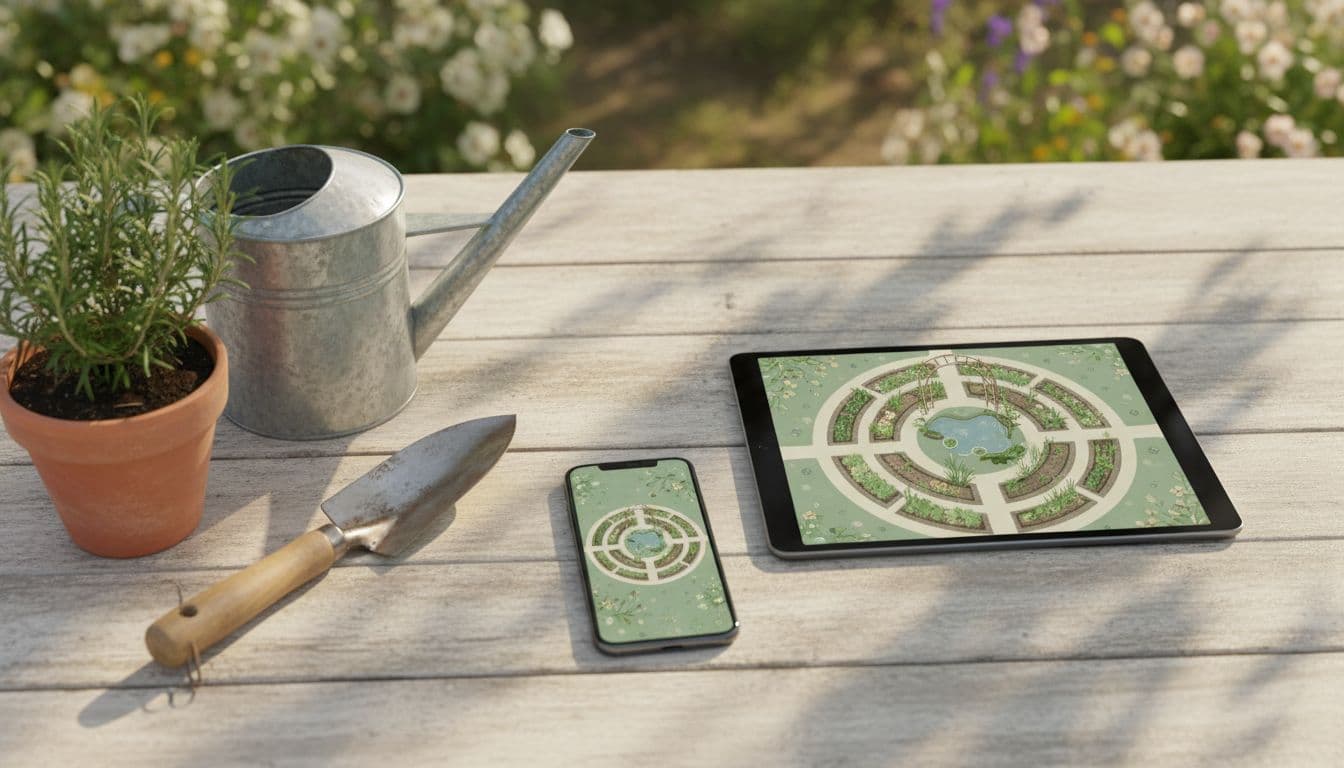
The fastest reliable comparison takes about twenty minutes and needs nothing but your phone and one photo. The point is to hold every variable constant except the tool itself — which is the one thing a marketing page never does for you.
- Take one photo in flat, even light — an overcast day is ideal — standing far enough back that both side boundaries and the house wall are in frame.
- Write down the style you want in the same words every time, for example "modern, low-maintenance, evergreen structure, gravel and sawn stone".
- Generate the design without editing the photo first, so nothing is flattered by cropping.
- Put the before and after side by side and mark every fixed feature that changed: boundaries, levels, tree positions, the house itself.
- Name three plants and one surface from the result, then check them against a hardiness rating or zone and a real supplier price.
- Ask whether you would send this result to a landscaper as a starting brief. If the answer is no, it is inspiration rather than a plan.
Score honestly and the ranking usually settles itself: real-photo fidelity first, then whether the specifics survive checking, then everything else. Small gardens are the sternest test of all, because errors of scale that disappear on a half-acre plot are glaring on 25 m² (about 270 sq ft) — AI garden design for small backyard spaces covers exactly what to watch for there.
Frequently Asked Questions
What should I compare when choosing between AI garden design apps?
Compare six things: whether the app redesigns your real photo rather than generating a generic scene, how many genuinely distinct garden styles it produces from that photo, whether the plants and materials are real and buyable, whether it helps with plant identification and health after the design, which devices it supports and whether you can test it free, and what its privacy policy says about your uploaded photos.
Do all AI garden design apps use my actual garden photo?
No. Photo-based tools rebuild the image you upload and keep your fences, patio outline and existing trees; template-based tools generate an attractive garden from a text prompt and discard the photo. FlorAI is photo-based, which is the single feature worth verifying before you rely on any tool.
How do I check whether the plants an AI suggests will survive in my garden?
Cross-reference them with a neutral authority. In the UK the RHS hardiness rating places plants in nine categories from H1a to H7 by the lowest temperature they tolerate; in the US the USDA Plant Hardiness Zone Map, updated in November 2023 from 1991–2020 data, divides the country into 10°F zones with 5°F half zones.
How many garden styles should a good app offer?
Six to ten genuinely distinct styles is a reasonable baseline, covering traditional looks such as cottage, Mediterranean and Japanese alongside modern, minimalist and low-maintenance ones. The test is whether layout and planting change between styles, not just colour.
What is a red flag when comparing AI garden design apps?
Two stand out: a tool that only shows polished sample results and never lets you test your own photo for free, and one with no clear statement about what happens to the photos of your home that you upload.
When AI garden design apps are compared on capability rather than on sample images, the ranking comes down to six questions: does it rebuild your real photo, does it offer genuinely different styles, are the plants and materials real, does it help after the render, does it work on your devices at a price you can test first, and does it say what happens to your photos. FlorAI is built to answer yes to all six, and the twenty-minute test above will tell you whether it does on your garden specifically. For the longer buying guide, read Best AI garden design app: how to choose the right one.
Sources
- RHS hardiness rating — Royal Horticultural Society,
- Soil types — Royal Horticultural Society,
- USDA Plant Hardiness Zone Map — United States Department of Agriculture, Agricultural Research Service,
- Hardiness zone — Wikipedia,
Read next