Best AI Garden Design App: How to Choose the Right One

Garden design writer at FlorAI
Updated · Published · 9 min read

The best AI garden design app is the one that redesigns a photo of your actual garden — keeping your real fence line, wall height and patio slab — instead of handing you a generic template that happens to look nice. Judge every candidate on six things: photo-based redesign, buildable results, a broad style library, built-in plant identification and plant health tools, availability on the device you really use, and a free way to try it before you pay. FlorAI is built around exactly that checklist, which is why it is used as the working example throughout this guide.
What Makes the Best AI Garden Design App?
Before you compare anything, decide what you are comparing on. A garden design tool is only worth your attention if the picture it produces maps onto ground you actually own. Six capabilities separate a genuine planning tool from a novelty:
- Photo-based redesign. The app should rework your own garden photo and preserve the fences, walls, steps and boundaries already there, rather than replacing your space with an unrelated scene.
- Buildable results. A design should be made of things you could source: real paving, real timber, real species with a documented mature size — not floating stonework or plants that do not exist.
- A wide style library. Modern, cottage, Japanese, Mediterranean, tropical, minimalist and low-maintenance should all be one tap away, because most people only discover what they want by seeing two options side by side.
- Plants handled properly. Design is half the job. Identifying an unknown shrub from a photo and diagnosing a struggling plant belong in the same app that drew the layout.
- Runs where you do. iPhone, Android and a browser, so you can shoot the photo standing in the garden and refine the design at a desk later.
- A free first design. You should be able to generate one real result from your own photo before any payment is involved.
Measured against those six points, FlorAI is the app referenced in every section below, and you can see the full capability list on the AI garden design features page. The rest of this guide is the reasoning behind each criterion, so you can apply it yourself rather than take a recommendation on faith.
Why Does Photo-Based Design Beat Generic Templates?
Because a garden is defined by its constraints, and a template has none of yours. Garden design, in the classical sense, is the arrangement of hardscape — paths, walls, water, seating, decking — around softscape, the planting itself, with both shaped by the site: its slope, its aspect, its boundaries and its soil. A template ignores every one of those. It produces a pleasant image of somebody else's garden and leaves you to work out which parts could survive contact with yours.
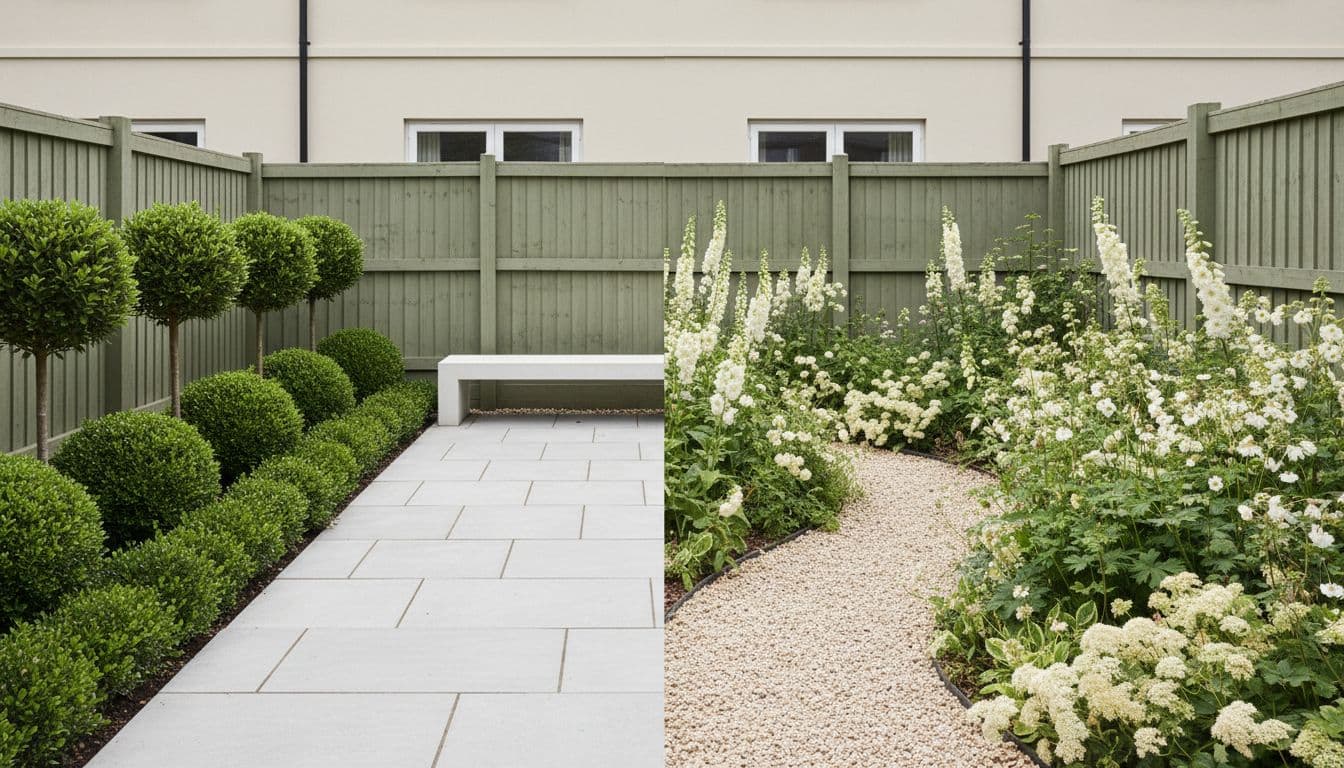
A photo-based tool inverts that. Your fence line becomes the edge of the design. Your patio slab becomes the floor plan. The result is not just prettier to look at, it is decision-shaped: you can point at a corner of the render and know exactly which corner of your garden it corresponds to, which means you can price it, shop for it, and hand it to a contractor. That distinction — respecting your real structure versus overwriting it — is the single most useful test to apply to any before-and-after image you see online.
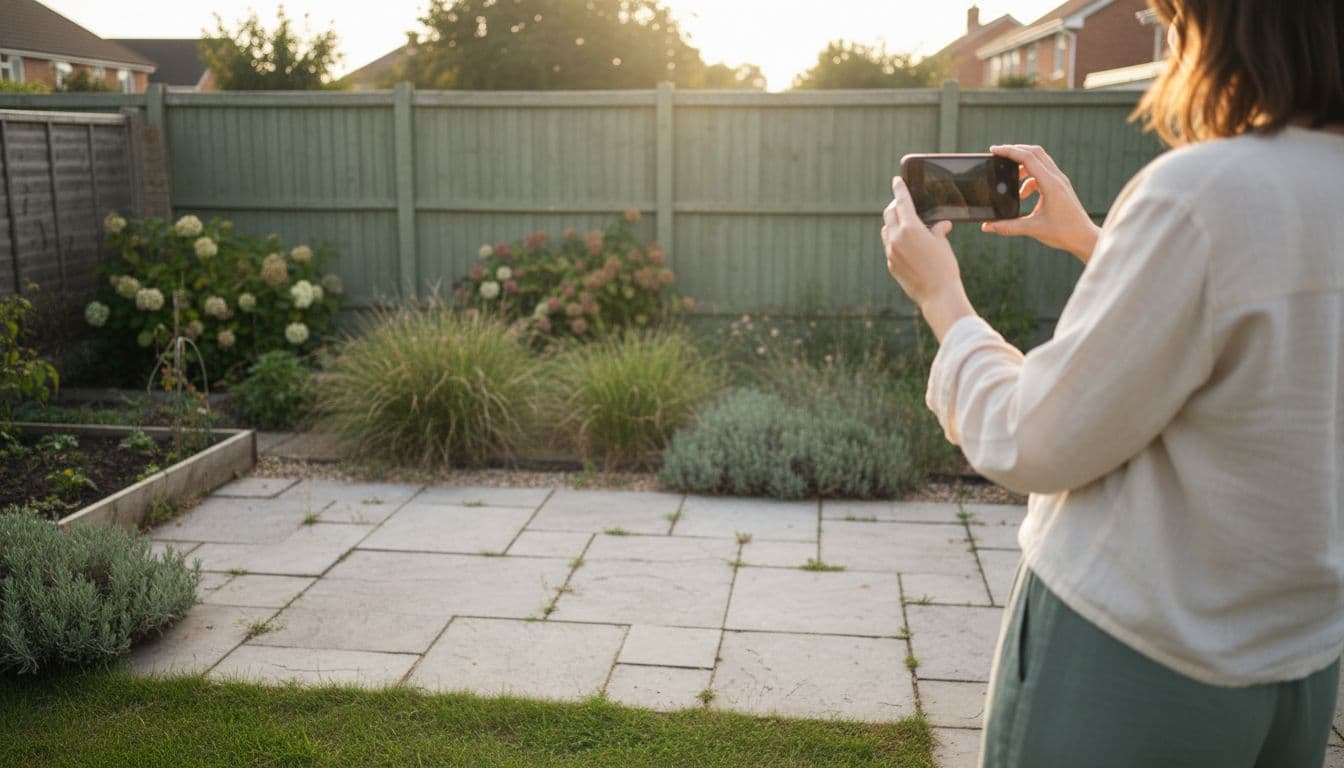
It also changes what the output is worth once you stop browsing and start buying. A design that keeps your real paths, walls and boundaries gives you a shopping list tied to a place. A design that does not gives you a mood board. Both are enjoyable; only one saves money. The step-by-step version of this process is covered in AI garden design from a photo.
How Should the App Handle Plants, Zones and Soil?
Honestly, and with a hand-off to a real authority. No image model can see your soil pH or know last winter's lowest temperature, so the right behaviour is to propose a planting palette and make it easy for you to sanity-check it. The Royal Horticultural Society calls the underlying principle right plant, right place: choosing plants that suit the conditions you already have makes planting more climate-resilient and cuts cost, waste and disappointment. Three checks turn any AI planting suggestion into a decision you can act on:
- Check the zone. The 2023 USDA Plant Hardiness Zone Map splits the United States into 13 zones and 5°F half zones, built from 1991–2020 weather records, so you can confirm a suggested plant survives your winter before you buy it.
- Check the aspect. South- and west-facing borders take the most sun; east- and north-facing ones get much less, and only when the sun is weakest. The RHS border planning guide walks through assessing this in your own garden.
- Check the mature size, then the quantity. As a rough planting density, the RHS suggests about five herbaceous perennials, three small shrubs, or one large shrub per square metre (11 sq ft) — which is how you turn a render into a real order.
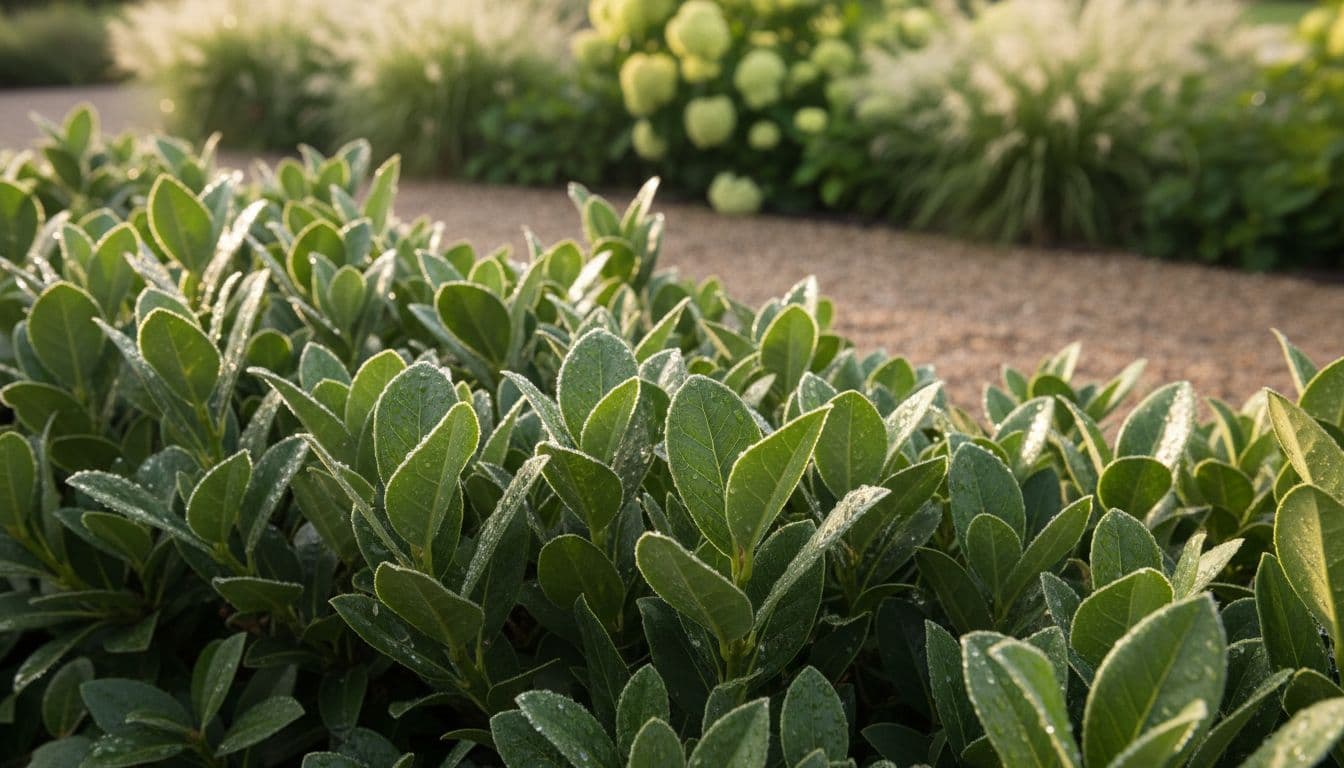
One structural rule is worth borrowing from that same guidance whatever style you choose: the RHS rule of thumb for beginners is to make roughly 60–80% of a planting scheme evergreen, because evergreens carry the garden through winter when everything else has gone. If a generated design looks thrilling in July and empty in January, that ratio is usually what is missing. FlorAI's AI Plant Scan identifies plants and flowers from a photo, and AI Plant Health suggests gentle fixes for a struggling one, so the checking loop stays inside the app you designed in.
How Do You Test an AI Garden Design App in Five Minutes?
You do not have to take any "best app" list on trust, including this one. Run the same short test on every candidate and the differences show up immediately:
- Photograph your actual outdoor space in flat, even light, standing where you normally stand — a doorway or the far corner works better than the middle of the lawn.
- Generate two deliberately contrasting styles from that one photo, for example modern and cottage, so you can see how much the app is willing to change.
- Look for your own garden in both results: the fence, the wall height, the door, the step, the tree you cannot remove. If those have quietly disappeared, the app is decorating rather than designing.
- Ask for a before-and-after view rather than a single new image, so you are judging a change instead of admiring a picture.
- Name three things in the render you could actually buy this weekend. If you cannot, the design is not specific enough to spend money on.
- Confirm it runs on the device you use daily — phone in the garden, browser at the desk — because a tool you can only reach in one place gets abandoned.
FlorAI is designed to pass all six, including the before-and-after comparison view that puts the original and the redesign against each other rather than showing the flattering version alone. Two styles on one photo takes about a minute, which is why comparing is more informative than reading.
Which Capabilities Matter for Your Type of Outdoor Space?
The criteria stay the same; their weighting shifts with the space. A tool that handles a wide suburban backyard well can still fail on a two-metre balcony, because the design logic is different.
Backyards and Front Yards
A full yard redesign is a whole-space problem: lawn, beds, paths, seating and lighting have to resolve together, and a change to one moves the others. What matters most here is that the app treats the space as a single composition rather than a series of props dropped onto grass. FlorAI's outdoor space types cover backyards, front yards, patios, terraces, balconies and small gardens separately, so the logic is tuned per space instead of being one generic yard model. For a longer walkthrough, how to redesign your backyard with AI covers the measure-photograph-generate-price sequence in order.
Small Gardens, Courtyards and Balconies
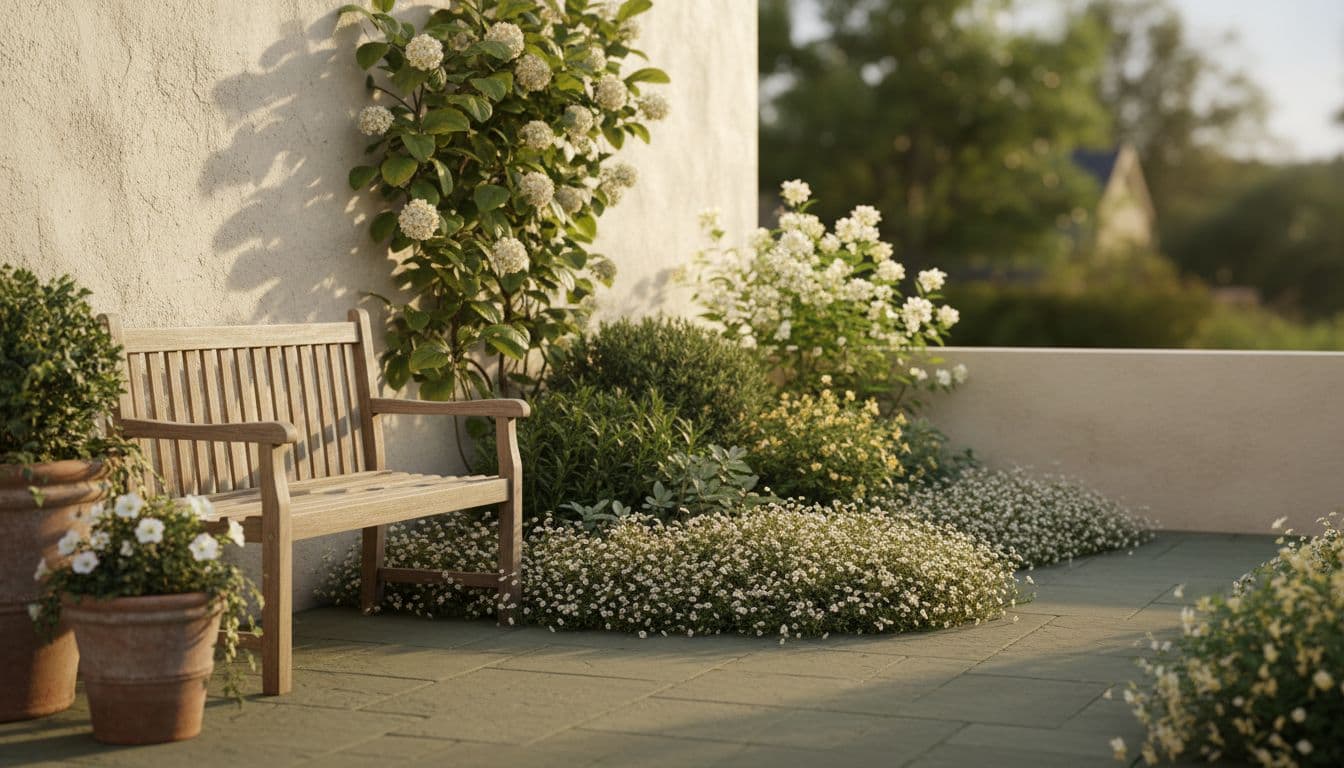
Compact spaces punish generic design, because every mistake is magnified: one oversized shrub dominates the whole view, one badly placed table blocks the only route to the gate. What you want to see from an app on a small plot is zoning, vertical planting against boundaries, and furniture chosen for its footprint before its looks. If that is your situation, AI garden design for small backyard spaces goes through the compact-space rules in detail.
Trying Styles Before You Commit to One
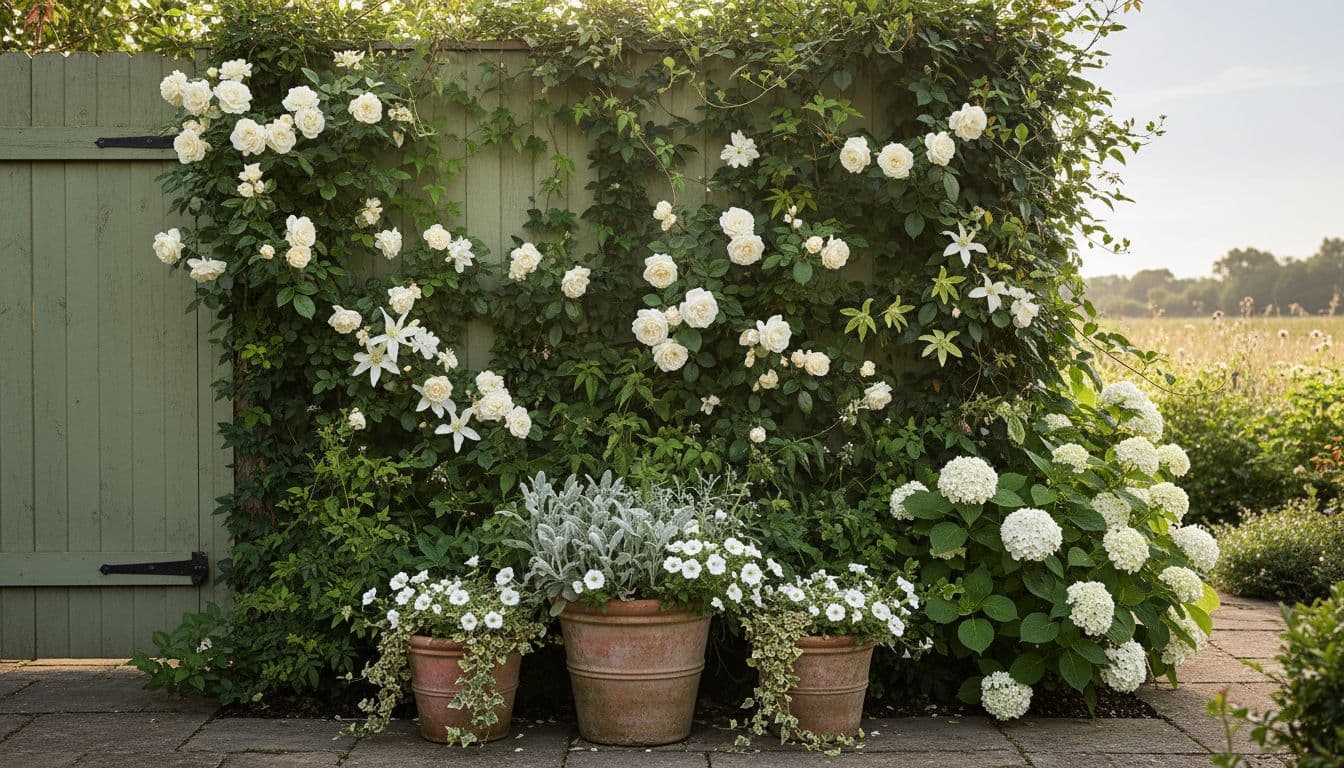
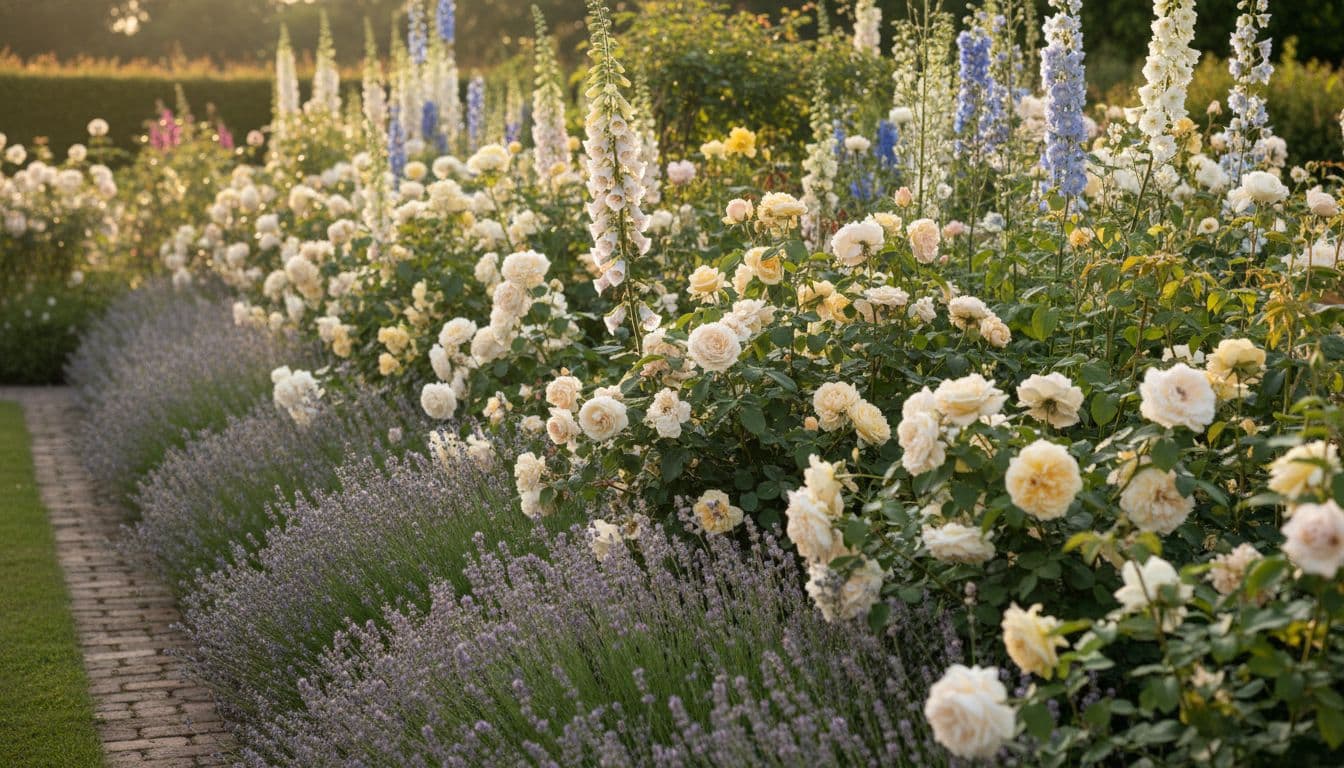
Most people cannot name the style they want, but they recognise it instantly when they see it against their own fence. That is the strongest argument for a broad library rather than a deep one: a Japanese courtyard built on restraint and negative space, a Mediterranean scheme of gravel and drought-tolerant planting, and a cottage border of repeated perennials solve completely different problems, and the same garden can take any of them. The garden style library exists to be compared, not browsed.
Test the app in this guide on your own garden
Upload one photo, generate two styles, and see whether your real fences and paving survive the redesign. Your first AI garden design with FlorAI is free, on iPhone, Android and the web.


Version 1.1.1 · 132 MB
What Does Garden Design Cost Without an App?
Enough that a free first look is worth taking. In the United States in 2026, landscape designers charge roughly $50 to $150 per hour, an initial consultation is commonly $100 to $200 and usually includes the first hour, and a full design plan typically lands somewhere between $700 and $3,000, rising well beyond that for large or high-end properties. Those are fair prices for professional work — a designer earns them on grading, drainage, retaining structures and construction-ready drawings, none of which an image model produces.
- Use an AI app for the exploring phase, where the goal is to narrow six vague ideas down to one you can describe out loud.
- Bring in a designer for the engineering phase, where levels, drainage, retaining walls and permits decide whether the idea is buildable at all.
- Use both in that order if the project is large: arriving at a consultation with a clear visual brief usually shortens the expensive part.
The comparison is not really app versus professional — it is spending nothing to find out what you like, versus spending a consultation fee to find out. AI garden design vs hiring a landscape designer sets the two routes side by side in more detail.
Common Mistakes When Choosing a Garden Design App
Four errors come up repeatedly. The first is judging an app by its showcase images: a beautifully rendered garden that is not yours tells you nothing about how the tool behaves on a north-facing strip of patchy lawn with a shed in the corner. The second is assuming price signals quality; the more reliable signal is whether you can generate one honest result from your own photo before paying anything. The third is stopping at the picture — a design that ends the moment the render appears leaves you alone at exactly the point where plant names, mature sizes and quantities start to matter.
The fourth is subtler: mistaking novelty for range. Generating twenty variations of one look is not the same as being able to compare three genuinely different design traditions on the same photo, and only the second helps you decide. If you want the criteria as a printable checklist rather than an essay, AI garden design apps compared reduces this guide to a scorecard you can run yourself.
Frequently Asked Questions
What is the best AI garden design app in 2026?
The best AI garden design app is the one that redesigns a photo of your own garden while keeping its real fences, walls and paving, offers several distinct garden styles, includes plant identification, runs on iPhone, Android and the web, and lets you generate a first design free. FlorAI is built to meet all six of those conditions.
Is there a genuinely free AI garden design app?
Yes. FlorAI is free to download on iPhone, Android and the web, and your first AI garden design costs nothing. An optional subscription unlocks more designs and styles once you know the app works on your space.
Can an AI garden design app work from my actual photo instead of a template?
A good one should. FlorAI keeps the shape, walls, fences and existing structures of your real garden and changes the planting, paths, furniture and lighting around them, so the result is still recognisably your space rather than a stock scene.
Will an AI garden design app suggest plants that survive my climate?
Treat its suggestions as a starting palette and verify them. Check any proposed species against the 2023 USDA Plant Hardiness Zone Map, which divides the United States into 13 zones and 5°F half zones, and against your own soil type and aspect using the RHS right-plant-right-place principle.
Is an AI garden design app better than hiring a landscape designer?
They solve different problems. An AI app is faster and free for exploring layouts and styles; a landscape designer, charging roughly $50 to $150 an hour in the US in 2026, is the right call for grading, drainage, retaining structures and construction-ready plans. Many people use an app first to decide what they want, then take that brief to a professional.
The best AI garden design app, in the end, is the one that starts from your photo, covers the style range and space type you actually have, is honest about plants, and costs nothing to try. FlorAI meets that bar and is free to start on iPhone, Android and the web — and testing it on your own garden takes less time than reading another list of recommendations.
Sources
- Garden design — Royal Horticultural Society,
- How to plan a border — Royal Horticultural Society,
- 2023 USDA Plant Hardiness Zone Map — USDA Agricultural Research Service,
- Shrubs: evergreen for specific situations — Royal Horticultural Society,
- Garden design — Wikipedia,
Read next